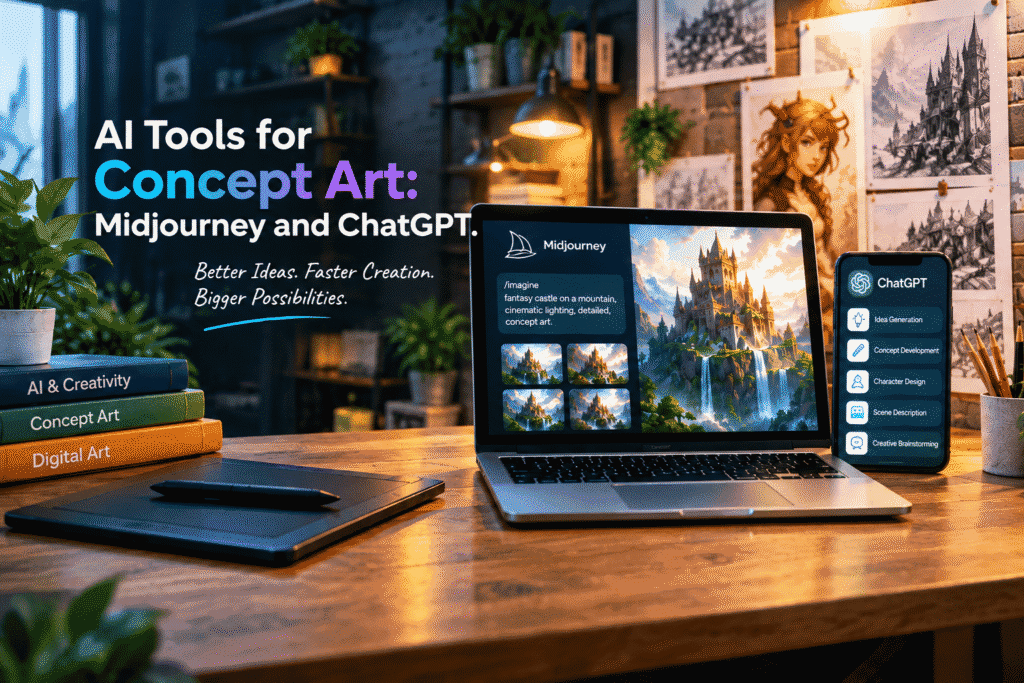
AI Tools for Concept Art: Midjourney and ChatGPT
Every great visual idea starts with a thought.
Maybe you have a character in your head, a futuristic city you want to see, a fantasy world you’ve been imagining, or a scene that doesn’t quite exist yet. Turning that idea into an actual visual, however, can take hours of sketching, researching, experimenting, and refining.
That’s where AI tools are changing the creative process.
With tools like Midjourney and ChatGPT, artists, designers, filmmakers, game developers, and creative beginners can move from a simple idea to a detailed concept much faster.
The technology doesn’t replace creativity. Instead, it gives you another way to explore what’s already in your imagination.
What Is Concept Art?
Concept art is often the visual starting point for a larger creative project.
Before a movie character is brought to life, before a game environment is built, or before a fantasy world appears on screen, artists often create concept images to explore how everything might look and feel.
Concept art can be used for:
- Characters and costumes
- Fantasy and sci-fi worlds
- Buildings and environments
- Props and vehicles
- Creatures
- Story scenes
- Product ideas
- Film and game development
The goal isn’t always to create the final artwork. Sometimes, a concept image simply helps the creative team decide what direction to take next.
Why Midjourney Is Useful for Concept Art
Midjourney is an AI image-generation tool that can turn written prompts into highly detailed visuals.
You can describe a character, environment, lighting style, mood, camera angle, or artistic direction, and Midjourney can use that description to generate visual possibilities.
For example, instead of starting with a completely blank canvas, you could begin with an idea such as:
“A futuristic city built on enormous floating islands, cinematic lighting, atmospheric clouds, detailed architecture, concept art.”
That single prompt can give you a visual starting point.
From there, you can experiment with different ideas and refine the direction.
What Makes ChatGPT Valuable?
ChatGPT plays a different role.
While Midjourney focuses on generating images, ChatGPT can work as your creative brainstorming partner and prompt assistant.
You can use it to develop an idea before sending the prompt to an image-generation tool.
For example, you might tell ChatGPT:
“I want to create a mysterious fantasy character who lives in an ancient forest. Help me develop the character’s appearance, clothing, personality, environment, and visual style.”
Instead of trying to think of every detail yourself, ChatGPT can help you explore different possibilities.
It can help with:
- Brainstorming concepts
- Developing characters
- Writing image prompts
- Describing environments
- Exploring different art styles
- Creating mood and atmosphere
- Refining visual ideas
- Developing story concepts
This makes the combination of ChatGPT and Midjourney particularly interesting.
ChatGPT + Midjourney: A Creative Workflow
The real magic happens when you use the two tools together.
Think of the process as:
Idea → Development → Prompt → Image → Refinement
Step 1: Start With a Simple Idea
Don’t worry about having a perfect concept.
Start with something basic.
For example:
“I want to create a futuristic explorer character.”
That’s enough to begin.
Step 2: Develop the Idea With ChatGPT
Ask ChatGPT to help you expand the concept.
You can explore the character’s clothing, personality, environment, colors, technology, mood, and visual style.
Suddenly, a simple idea becomes a much more complete creative direction.
Step 3: Create a Detailed Prompt
Once you understand the concept, turn those ideas into a detailed image prompt.
Think about:
- Subject
- Environment
- Lighting
- Composition
- Perspective
- Mood
- Materials
- Color palette
- Art direction
The more clearly you communicate the visual goal, the more control you have over the creative process.
Step 4: Generate the Image With Midjourney
Now take your refined prompt and use it to generate visual concepts.
You may not get exactly what you imagined on the first attempt—and that’s completely normal.
Treat the first generation as an experiment.
Step 5: Refine and Experiment
Change one or two elements at a time.
Try a different environment.
Change the lighting.
Adjust the character’s clothing.
Experiment with the camera angle.
Try another artistic direction.
The process becomes less about finding one perfect prompt and more about exploring possibilities.
Don’t Be Afraid to Iterate
One of the biggest advantages of AI-assisted concept art is how quickly you can experiment.
Traditional concept development can require significant time for every variation.
With AI tools, you can explore multiple directions much faster.
Maybe your original idea was a dark cyberpunk city.
After generating a few versions, you might discover that a bright futuristic city with tropical architecture actually fits your project better.
That unexpected discovery is part of the creative process.
AI can help you explore ideas you might not have considered before.
Creating Better Characters
Character design is another area where AI tools can be incredibly useful.
You can start with a simple description:
“A young space explorer.”
Then gradually add details:
- Clothing
- Age and appearance
- Equipment
- Personality
- Environment
- Lighting
- Pose
- Camera angle
- Artistic style
ChatGPT can help you develop these details, while Midjourney can help visualize them.
The result can give you a stronger reference point before moving into more detailed artwork or production.
Building Entire Worlds
Concept art isn’t limited to individual characters.
You can also use AI to explore entire environments.
Imagine you’re developing a fantasy game.
You might need:
- Ancient castles
- Forest villages
- Underground cities
- Magical libraries
- Mountain kingdoms
- Desert landscapes
- Futuristic laboratories
Instead of imagining each location separately, you can create a visual language for the entire world.
This can help your project feel more consistent and intentional.
AI Is a Creative Assistant, Not the Creative Director
This is an important distinction.
AI can generate impressive images, but it doesn’t automatically understand your project’s goals, story, audience, or artistic vision.
You do.
That’s why human creativity still matters.
Use AI to explore.
Use AI to brainstorm.
Use AI to test ideas.
But make the creative decisions yourself.
The strongest results often come from people who know what they want and use AI as a tool to help them get there.
Common Mistakes to Avoid
When getting started with AI concept art, there are a few mistakes worth avoiding.
Using Extremely Vague Prompts
A prompt like “cool fantasy character” leaves too much open to interpretation.
Add useful details about the subject, environment, mood, and visual direction.
Trying to Perfect Everything at Once
You don’t need the perfect prompt immediately.
Start with a basic concept and improve it through multiple iterations.
Copying Without Developing Your Own Ideas
AI makes it easy to generate attractive images, but attractive doesn’t always mean useful.
Make sure the artwork serves your story, project, or creative goal.
Forgetting the Bigger Picture
A single impressive image is not necessarily a complete concept.
Think about how the character, environment, lighting, and visual style work together across your entire project.
Who Can Benefit From These Tools?
You don’t have to be a professional artist to experiment with AI concept art.
These tools can be useful for:
Artists looking for new ways to explore ideas.
Game designers developing characters and environments.
Filmmakers creating visual references and story concepts.
Writers visualizing characters and fictional worlds.
Graphic designers exploring creative directions.
Students learning about digital creativity.
Entrepreneurs developing visual concepts for products or brands.
Even someone who has never used professional design software can begin exploring visual ideas through natural language.
Final Thoughts
AI is changing the way people approach concept art.
ChatGPT can help you turn a rough thought into a detailed creative direction, while Midjourney can help transform that direction into visual possibilities.
Together, they create an interesting workflow:
Think → Develop → Prompt → Generate → Refine.
The most exciting part isn’t simply that AI can create beautiful images.
It’s that you can experiment with ideas much faster.
You can take something that exists only in your imagination and start giving it a visual identity.
So don’t think of AI as replacing your creativity.
Think of it as giving your creativity another set of tools to work with.
Your imagination is still where the process begins.
