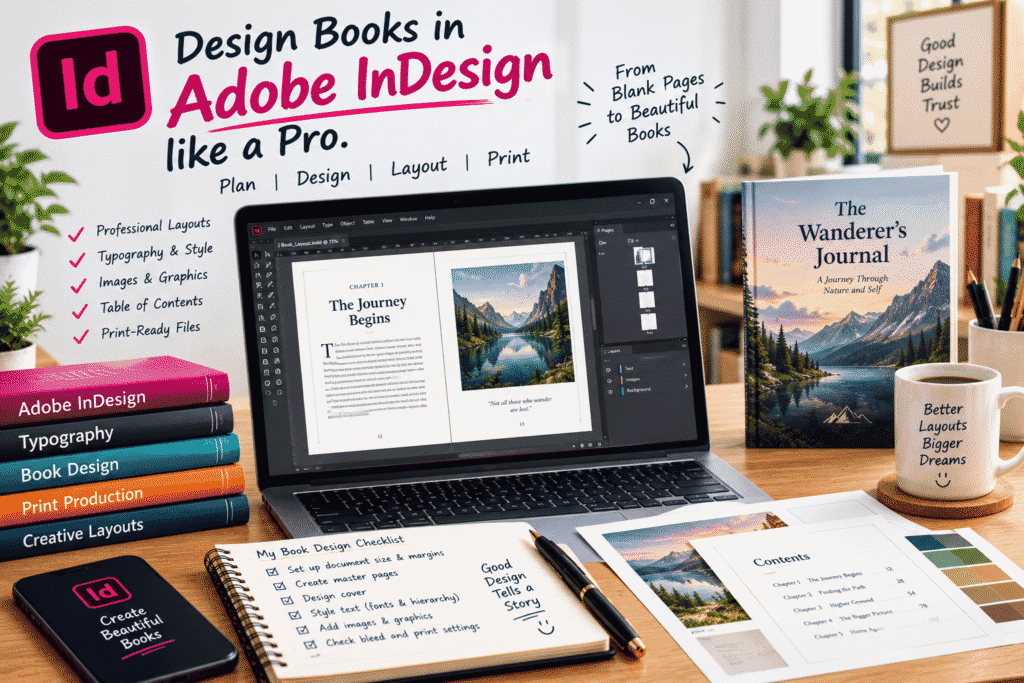
Design Books in Adobe InDesign Like a Pro
There’s something special about seeing a book come together.
At the beginning, you might have nothing more than a manuscript, a few images, and a rough idea of what you want the finished book to look like. Then, little by little, the pages start to take shape. The typography feels right, the chapters become easier to navigate, images fall into place, and suddenly the document starts looking like a real publication.
That transformation is exactly where Adobe InDesign shines.
InDesign is built for professional page layout and publishing, making it a powerful choice for designing books, magazines, brochures, reports, ebooks, and other multi-page documents.
But learning InDesign isn’t just about knowing where the tools are.
Good book design comes from understanding layout, typography, consistency, hierarchy, spacing, and the reading experience.
So, how do you go from a blank InDesign document to a professionally designed book?
Let’s walk through it.
Why Adobe InDesign Is Great for Book Design
You could technically design a book in many different programs, but InDesign is particularly well suited to long documents.
It gives you control over things like:
-
Page layouts
-
Master pages
-
Paragraph and character styles
-
Typography
-
Images and graphics
-
Page numbering
-
Tables of contents
-
Headers and footers
-
Margins and columns
-
Bleed and print settings
-
Exporting print-ready PDFs
The biggest advantage is control.
When you’re designing a 200-page book, manually formatting every page would quickly become a nightmare. InDesign’s systems allow you to create rules and styles that can be applied consistently throughout the entire document.
That’s what makes professional book production much more manageable.
Start With the Manuscript, Not the Design
One mistake beginners often make is opening InDesign and immediately trying to make the first page look beautiful.
It’s better to understand the content first.
Before designing anything, review the manuscript and identify:
-
Title pages
-
Chapters
-
Subheadings
-
Quotes
-
Lists
-
Images
-
Captions
-
Special sections
-
Footnotes
-
References
-
Appendices
Think about how the reader will move through the book.
A novel, cookbook, textbook, children’s book, and photography book all require very different design approaches.
The content should influence the design.
Choose the Right Page Size
Before you start laying out pages, decide what size the finished book should be.
The right dimensions depend on the type of publication, intended audience, printing method, and publishing requirements.
For example, a novel may need a very different format from a coffee-table photography book.
In InDesign, establish your document settings carefully from the beginning:
-
Page size
-
Number of pages
-
Margins
-
Columns
-
Bleed
-
Orientation
-
Facing pages
Changing fundamental document settings later can create unnecessary problems, especially when you’ve already built dozens of pages.
Take a few minutes to plan before you begin.
Master Pages Can Save You Hours
One of the most useful features for book designers is the ability to create reusable page structures.
Instead of manually placing page numbers, headers, or recurring design elements on every page, you can establish them as part of your master-page setup.
For example, you might create different layouts for:
-
Chapter opening pages
-
Standard text pages
-
Image-heavy pages
-
Quote pages
-
Section introductions
Once your basic structures are established, applying them across the document becomes much faster.
This is one of those features that may seem unnecessary when you’re designing ten pages—but becomes incredibly valuable when you’re designing 150.
Typography Is More Important Than Decoration
A beautiful book isn’t necessarily a book with lots of visual effects.
In fact, good book design is often surprisingly restrained.
Typography should make reading comfortable.
Pay attention to:
-
Font selection
-
Font size
-
Line spacing
-
Paragraph spacing
-
Line length
-
Hierarchy
-
Alignment
-
Chapter headings
-
Subheadings
-
Captions
Choose typefaces that fit the personality of the book while remaining easy to read.
For body text, readability should usually come before visual novelty.
You don’t want readers thinking about the font.
You want them thinking about the story.
Use Paragraph Styles Instead of Formatting Everything Manually
If you’re designing a long book, paragraph styles are essential.
Instead of manually formatting every chapter heading, body paragraph, caption, and quote, create reusable styles.
You might have styles such as:
Chapter Title
Section Heading
Body Text
First Paragraph
Block Quote
Image Caption
Footnote
Once those styles are established, you can make global changes much more easily.
For example, if you decide that all chapter headings should be slightly smaller, you can change the style rather than editing every chapter individually.
That’s one of the major differences between designing a document casually and building a professional publication.
Create a Clear Visual Hierarchy
A reader should be able to understand the structure of a page almost immediately.
They should know:
-
Where the chapter starts
-
Where a section begins
-
What is the main text
-
What is supporting information
-
Which elements are important
-
Where images belong
You can create hierarchy through:
-
Size
-
Weight
-
Spacing
-
Position
-
Alignment
-
Color
-
Typography
The goal isn’t to make everything stand out.
The goal is to make the right things stand out.
Images Need Careful Placement
If your book includes photographs, illustrations, charts, or other graphics, don’t treat images as decorations that you simply drop onto a page.
Think about how the image interacts with the surrounding text.
Ask:
Does the image support the content?
Is it large enough to be meaningful?
Does it have enough breathing room?
Does the placement feel intentional?
You should also pay attention to image quality and the requirements of your final publishing method.
A great layout can’t rescue a low-quality image.
Don’t Forget the Table of Contents
For longer books, navigation matters.
A table of contents gives readers a quick overview of the publication and makes it easier to find specific sections.
InDesign can help generate a table of contents based on your document’s paragraph styles.
This is another reason styles are so important.
If your chapter titles and headings are properly structured, creating and updating navigation becomes much easier.
Page Numbers Are Small but Important
Page numbers might seem like a tiny detail, but they contribute significantly to a book’s usability.
Think carefully about where they should appear.
Depending on the design, they might sit:
-
At the bottom center
-
On the outer corners
-
In the footer
-
Alongside a subtle header
Avoid making them unnecessarily large or distracting.
They’re there to help the reader—not compete with the content.
Design the Cover as Part of the Whole Brand
The cover is often the first thing someone sees.
It needs to communicate the subject and personality of the book quickly.
Think about:
-
Title
-
Subtitle
-
Author name
-
Imagery
-
Typography
-
Color
-
Composition
-
Genre expectations
A business book, children’s book, mystery novel, and academic textbook shouldn’t all look the same.
Research similar books in your category and ask yourself:
What visual language does this genre use?
Then find a way to create something recognizable without simply copying what’s already there.
Consistency Makes a Book Feel Professional
Imagine reading a book where every chapter uses different fonts, margins, heading styles, and spacing.
Even if the content is excellent, the book would feel unfinished.
Consistency creates confidence.
Try to maintain consistency in:
-
Margins
-
Fonts
-
Heading styles
-
Paragraph spacing
-
Page numbers
-
Image treatment
-
Captions
-
Color usage
-
Alignment
A professional book doesn’t necessarily need to look complicated.
It needs to look intentional.
Leave Enough White Space
One of the hardest lessons for beginners is learning that empty space isn’t wasted space.
White space gives the reader’s eyes somewhere to rest.
If every inch of a page is filled with text, images, lines, and decorative elements, the page can feel exhausting.
Give important elements room to breathe.
Sometimes removing an element improves the design more than adding another one.
Build a Repeatable Book Design Workflow
A reliable workflow can make a huge difference.
Here’s a simple process you can follow:
Step 1: Understand the Content
Read the manuscript and identify its structure.
Step 2: Define the Book Format
Choose page size, margins, bleed, and other document settings.
Step 3: Establish Your Typography
Select fonts and define your hierarchy.
Step 4: Create Paragraph and Character Styles
Build reusable formatting rules.
Step 5: Create Master Pages
Set up recurring elements such as page numbers and headers.
Step 6: Design a Few Sample Pages
Test your visual system before applying it to the entire book.
Step 7: Place the Content
Bring in the manuscript and apply your styles.
Step 8: Add Images and Graphics
Position visual elements carefully.
Step 9: Create Navigation
Build the table of contents and check page numbering.
Step 10: Proofread
Look for text errors, awkward page breaks, spacing issues, missing elements, and inconsistent formatting.
Step 11: Prepare the Final File
Check the publishing or printer’s specifications and export appropriately.
Watch Out for Awkward Page Breaks
A technically correct layout can still feel unprofessional if the page breaks aren’t carefully reviewed.
Watch for:
-
Large empty areas
-
Single words stranded on a line
-
Headings sitting at the bottom of a page
-
Chapters beginning awkwardly
-
Images separating from their captions
-
Excessive blank pages
-
Unbalanced spreads
Don’t assume InDesign will automatically make every page look good.
Professional book design still requires human judgment.
Print-Ready Doesn’t Mean “Just Export to PDF”
If your book is going to print, you need to understand the printer’s requirements.
Depending on the project, this may involve checking:
-
Bleed
-
Margins
-
Color settings
-
Image resolution
-
Font handling
-
Page size
-
Crop marks
-
PDF export settings
Always check the specifications provided by your printer or publishing platform.
A beautiful design can still cause problems if the final file isn’t prepared correctly.
Common Mistakes Beginner Book Designers Make
Designing Every Page From Scratch
Use styles and reusable layouts instead.
Using Too Many Fonts
A small, well-chosen type system usually looks more professional.
Ignoring Margins
Margins affect both aesthetics and readability.
Filling Every Empty Space
Give your design room to breathe.
Changing Styles Manually
Use paragraph and character styles whenever possible.
Forgetting to Proofread
Design problems often become obvious only after you review the entire book from beginning to end.
Designing Without the Final Output in Mind
A design intended for print may require different considerations than a digital publication.
Practice With a Small Project First
You don’t have to start by designing a 300-page book.
Start with something manageable.
Try creating a small:
-
Short story
-
Photo book
-
Digital guide
-
Recipe book
-
Portfolio
-
Poetry collection
-
Mini magazine
Use it to practice document setup, styles, master pages, typography, image placement, and exporting.
Once you’re comfortable, move on to larger projects.
Final Thoughts
Professional book design isn’t about making every page flashy.
It’s about creating an experience that feels clear, balanced, readable, and intentional.
Adobe InDesign gives you the tools to build that experience, but the software itself isn’t what makes a book look professional.
Your understanding of typography, layout, hierarchy, consistency, spacing, imagery, and the reader’s journey does.
Start with the content. Build a strong design system. Use styles instead of repetitive manual formatting. Pay attention to the small details. And always review the entire book as a reader—not just as the person who designed it.
Because when good design gets out of the way, something wonderful happens:
The reader can simply enjoy the book.
